
Hello. How can we help you?
Installing TYPE EDIT / LASER TYPE in Silent Mode
You can perform a silent TYPE EDIT / LASER TYPE installation, also known as unattended installation. It requires a response file, “Setup.iss“, that is created by recording a first time installation. Silent installation runs the entire installation process in the background, on subsequent machines, without requiring user interaction or displaying messages.
Creating ISS File
To create the InstallShield Silent response file follow the following steps :
- Download the master and extract zip file to “C:\”.
- Press the Windows “Start” button at the bottom left.
- Type in “Command Prompt” (cmd).
- Right click on Command Prompt and click “Run as administrator“.
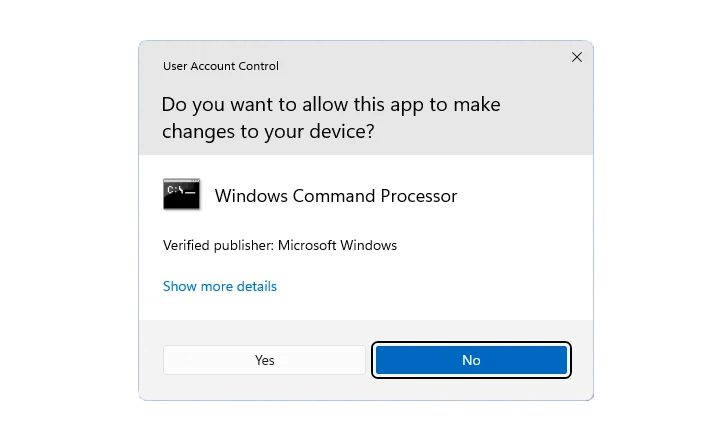
- Click “Yes” if the Windows 11 User Account Control prompt is being displayed.
- Change directory to the folder that contains the setup.exe.
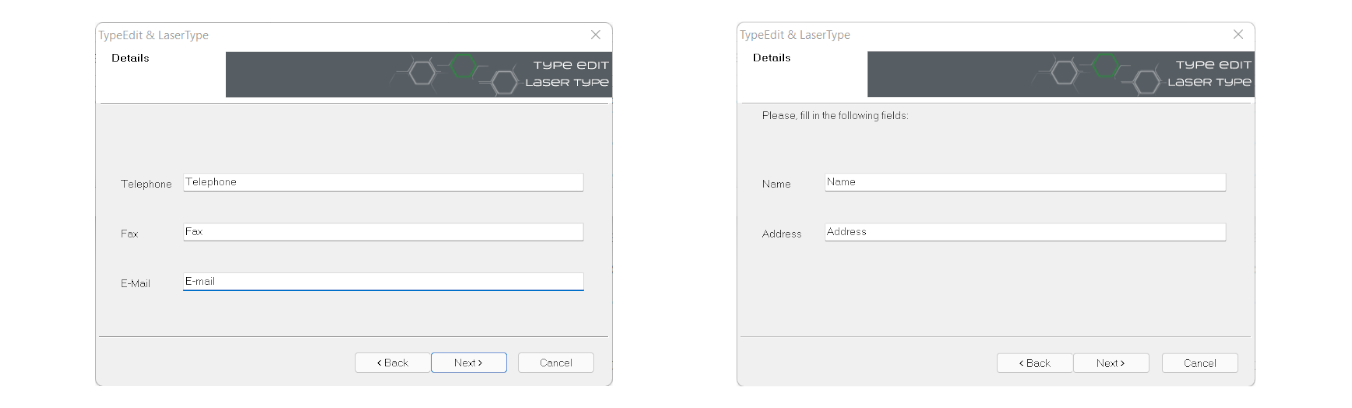
C:\Users\John>cd..C:\Users>cd..C:\>cd TypeEditV15_LaserTypeV15_BuildX\TypeeditC:\TypeEditV15_LaserTypeV15_Build2\x64\Typeedit>setup -r -f1"C:\TypeEditV15_LaserTypeV15_BuildX\Typeedit\setup.iss" - Complete the installation by following the instructions in the installation wizard. Make sure to fill in ALL field of parameters.
- The installation will be finished once the TYPE EDIT’s home web page appears.
- Now go to the C: drive and copy the Master “TypeEditV15_LaserTypeV15_BuildX” to use it later for installation.
Running the Installer in Silent Mode
To silently install TYPE EDIT / LASER TYPE, complete the following steps:
- Log in to each machine on which you want to install TYPE EDIT / LASER TYPE.
- Paste the modified Master’s folder (TypeEditV15_LaserTypeV15_BuildX) into disk C.
- Press the Windows “Start” button at the bottom left.
- Type in “Command Prompt” (cmd).
- Right click on Command Prompt and click “Run as administrator“.
- Click “Yes” if the Windows 11 User Account Control prompt is displayed.
- Run the following command and a silent installation of TYPE EDIT will be launched.
C:\Users\Max>cd..C:\Users>cd..C:\>cd TypeEditV15_LaserTypeV15_BuildX\TypeeditC:\TypeEditV15_LaserTypeV15_BuildX\TypeEdit>setup -s -f1"C:\TypeEditV15_LaserTypeV15_BuildX\TypeEdit\setup.iss" - The installation will be finished once the TYPE EDIT Home web page appears.